
WARRIORS OROCHI 3 Ultimate Definitive Edition
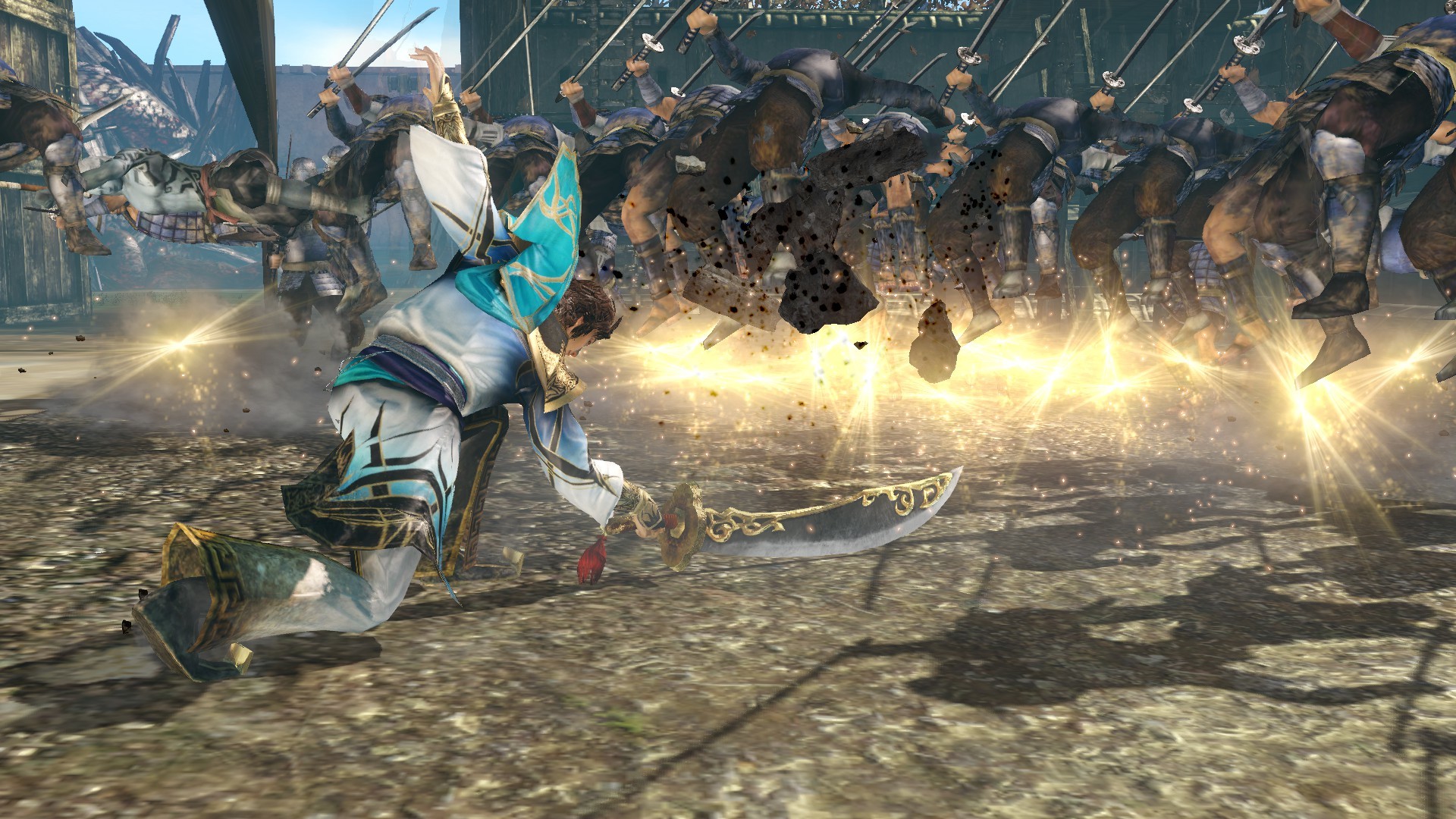
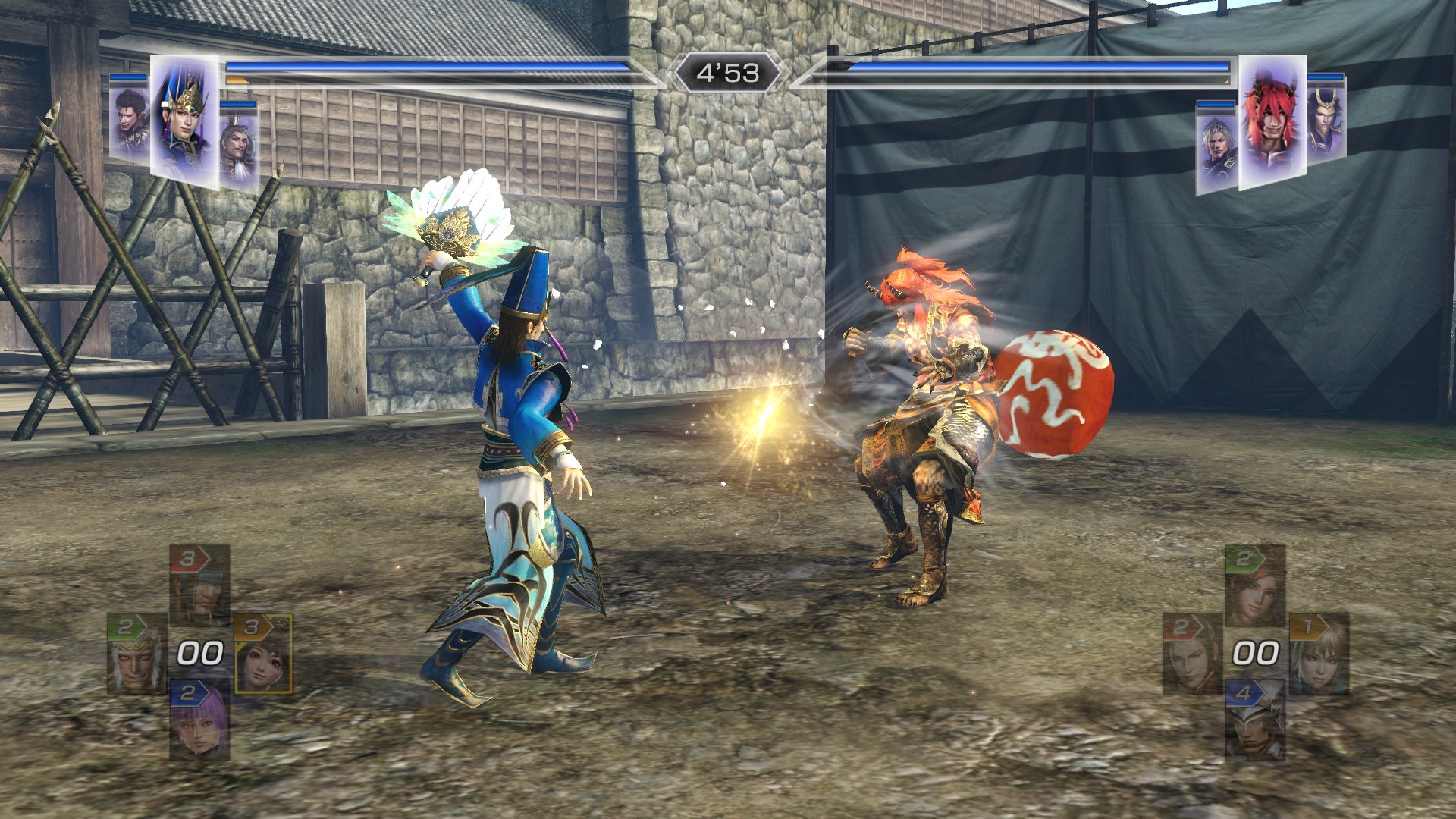
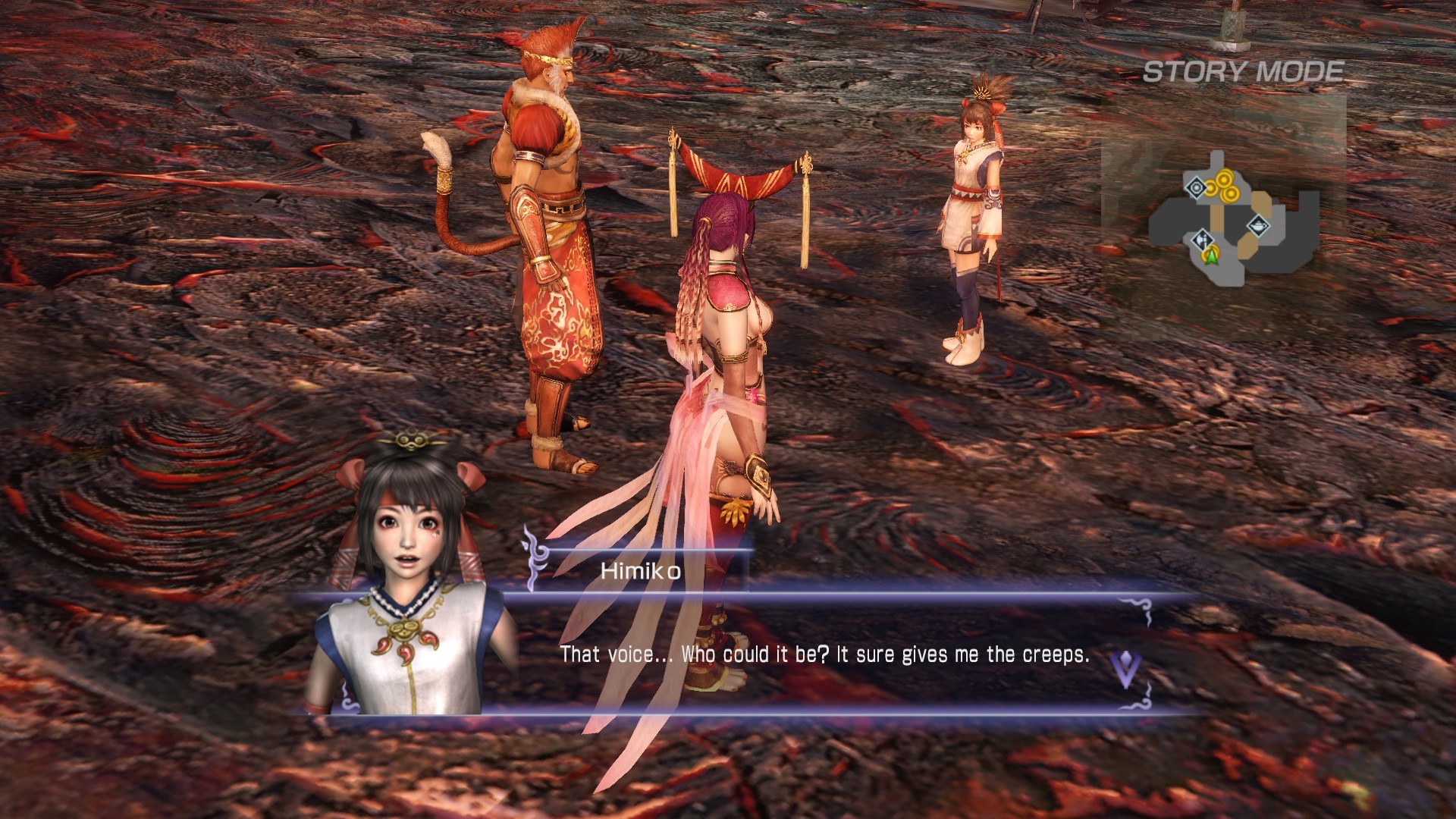
The truly ultimate "WARRIORS OROCHI 3" is now available on Steam! With all the content of "WARRIORS OROCHI 3", new characters and episodes that deepen the story, new modes, and DLC that has been released for other platforms, enjoy the world of Orochi to your heart's content!
89.2Rating
0Content
44Achievements
Ad
About This Game
WARRIORS OROCHI 3 Ultimate Definitive Edition is a action/strategy game with both single-player and multiplayer modes, developed by KOEI TECMO GAMES CO., LTD. and released in 2022. With an estimated 116,000 copies sold, it is considered a mid-tier seller on Steam. With 2.5k reviews on Steam, it stands as a game with a solid review base on Steam. Community ratings across Steam average 89.2/100 — a strong reception overall. According to player data, the main story and side content take around 62.29 hours, and a completionist run can reach 90.21 hours. Players commonly describe it as Action, Strategy, Hack and Slash, Musou and Fantasy.
Media

▶












User Reviews
89.2
Overall Score / 100
8.9/10
Steam (2481 reviews)
Playtime Estimates
62.29h
⭐ Main + Sides
90.21h
💯 Completionist
Based on 13 player submissions
Similar Games












Ad
Game Information
Release Date
July 12, 2022
Developer
KOEI TECMO GAMES CO., LTD.
Publisher
KOEI TECMO GAMES CO., LTD.
Platforms
Windows
Price
$39.99
Analytics & Metrics
Copies Sold (VISE)
116.3K
(93.1K - 139.6K) VRI ScoreLearning
71
Hard to call the data is inconsistent at this point.
VRI (Vorythic Recommendation Index) a single number indicating whether the game is worth your time. Built from game data, putting real players' opinions above progressive 'critics'.
Get the Game

System Requirements
🪟 Windows
Minimum
- Requires a 64-bit processor and operating system
- OS: Windows® 10, Windows® 11, 64bit
- Processor: Intel Core i3-4170 or over
- Memory: 4 GB RAM
- Graphics: NVIDIA GeForce GTX 650 or over, Radeon HD 7750 or over
- DirectX: Version 11
- Network: Broadband Internet connection
- Storage: 25 GB available space
- Sound Card: 16 bit stereo, 48KHz WAVE file can be played
- Additional Notes: Set the graphics quality to Low from "Graphics Settings". This will automatically adjust the settings @ 1280x720. ※If you are using Windows® 11, the system requirements for Windows® 11 apply.
Recommended
- Requires a 64-bit processor and operating system
- OS: Windows® 10, Windows® 11, 64bit
- Processor: Intel Core i7 3770 or over, AMD Ryzen 3 1200 or over
- Memory: 8 GB RAM
- Graphics: NVIDIA GeForce GTX 760 or over, Radeon RX 470 or over
- DirectX: Version 11
- Network: Broadband Internet connection
- Storage: 25 GB available space
- Sound Card: 16 bit 5.1ch surround, 48KHz WAVE file can be played
- Additional Notes: Set the graphics quality to High from "Graphics Settings". This will automatically adjust the settings @ 1920x1080. ※If you are using Windows® 11, the system requirements for Windows® 11 apply.
Ad